Two clear panes
Each pane has its own tabs, history, folder, view, and selection.
A fast, two-pane file manager for Mac. Open files with Enter and do more without reaching for the mouse.
Use the arrow keys to move, Enter to open, Tab to switch panes, and start typing to find a file.
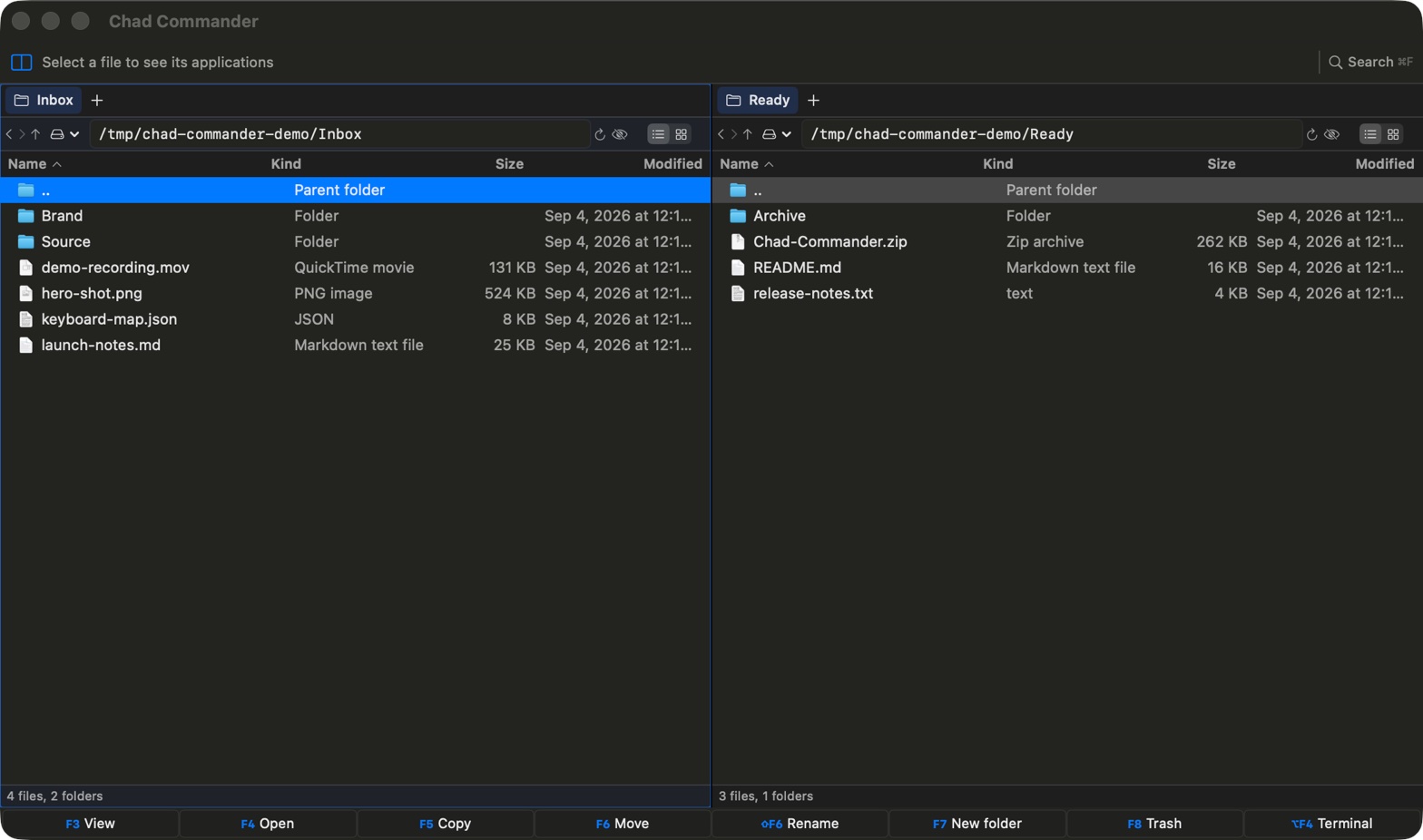
Two panes, fast search, built-in terminals, Quick Look, and safe file changes.
Each pane has its own tabs, history, folder, view, and selection.
Open, preview, copy, move, rename, create folders, and move items to Trash with F3-F8.
Search names or file contents. Results open in a regular tab, where you can work with them.
Each pane has its own zsh terminal. Change folders in either place and the other follows.
Use Quick Look, Open With, native icons, drag files to other apps, and calculate folder sizes.
File jobs run in the background with clear progress. Deletes are confirmed, updates are signed, and there are no accounts or tracking.
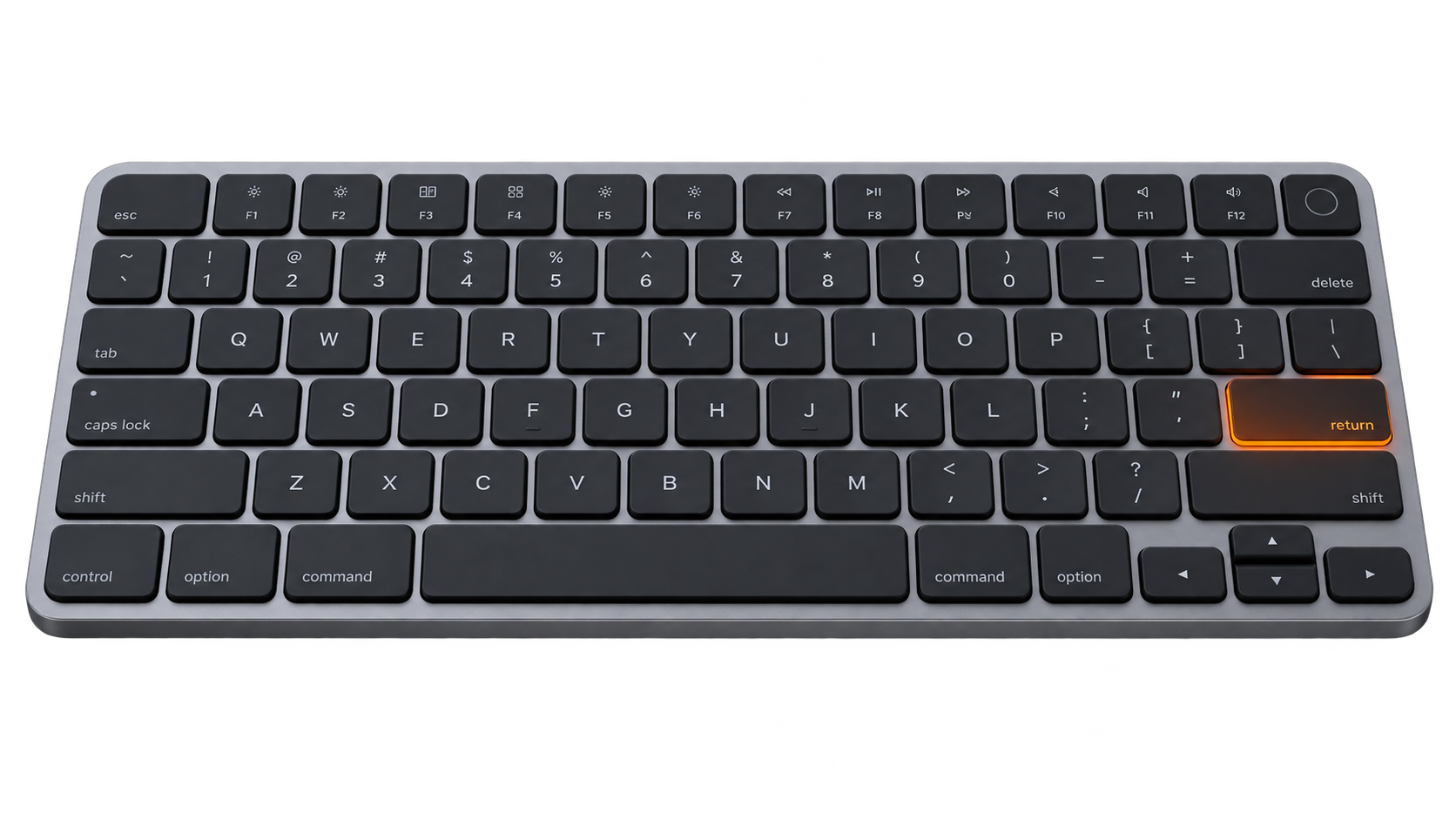
If an F-key changes brightness or sound, hold fn while you press it.
Download the signed app, or build it yourself from the source.
❯ make test
All tests passed
❯ make app
Build/Chad Commander.app
READY_