Free and open source.
Made for macOS

CHADCOMMANDER

A fast, two-pane file manager for Mac. Open files with Enter and do more without reaching for the mouse.

Human-friendly behavior

Use the arrow keys to move, Enter to open, Tab to switch panes, and start typing to find a file.
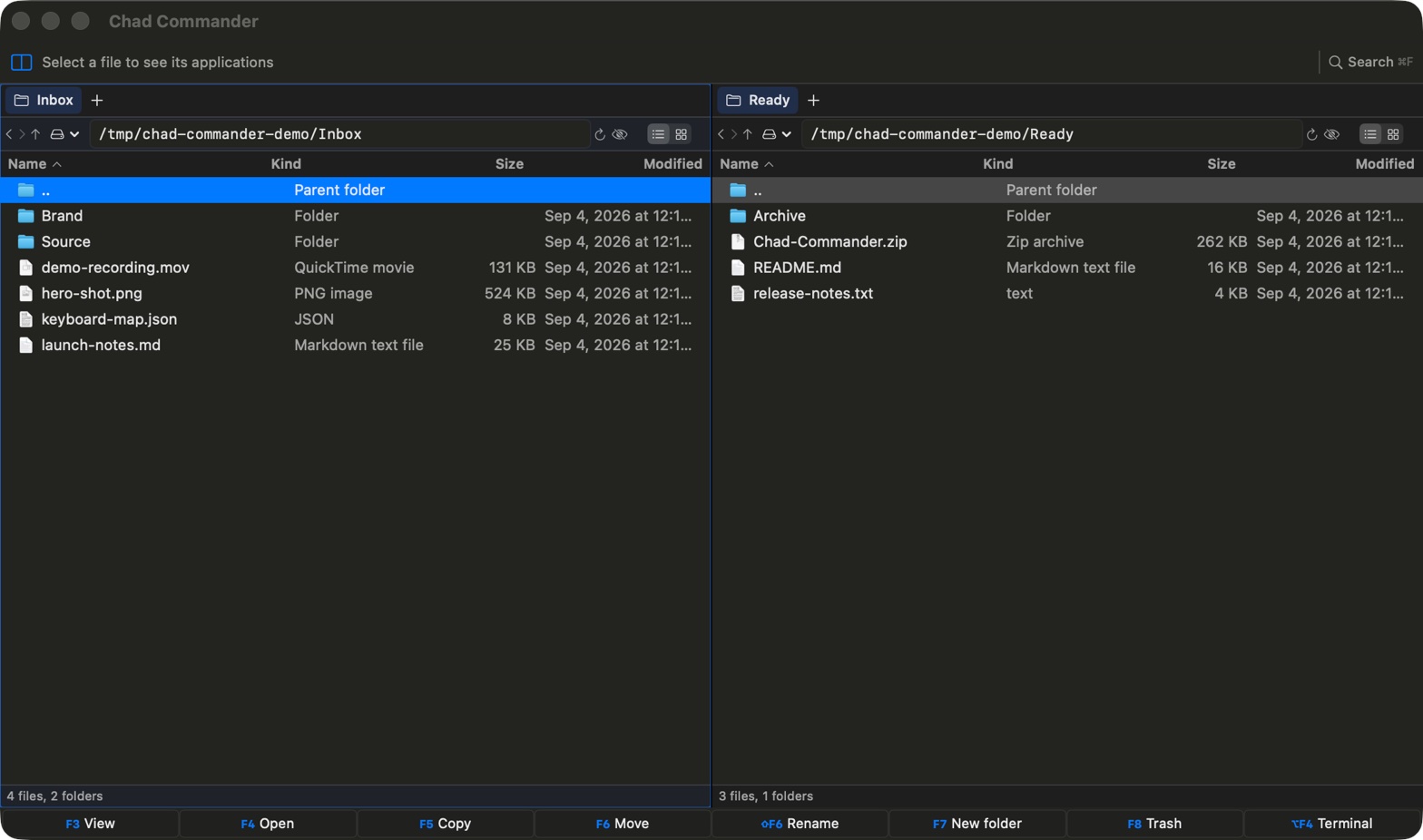
Chad Commander showing two file panes on macOS
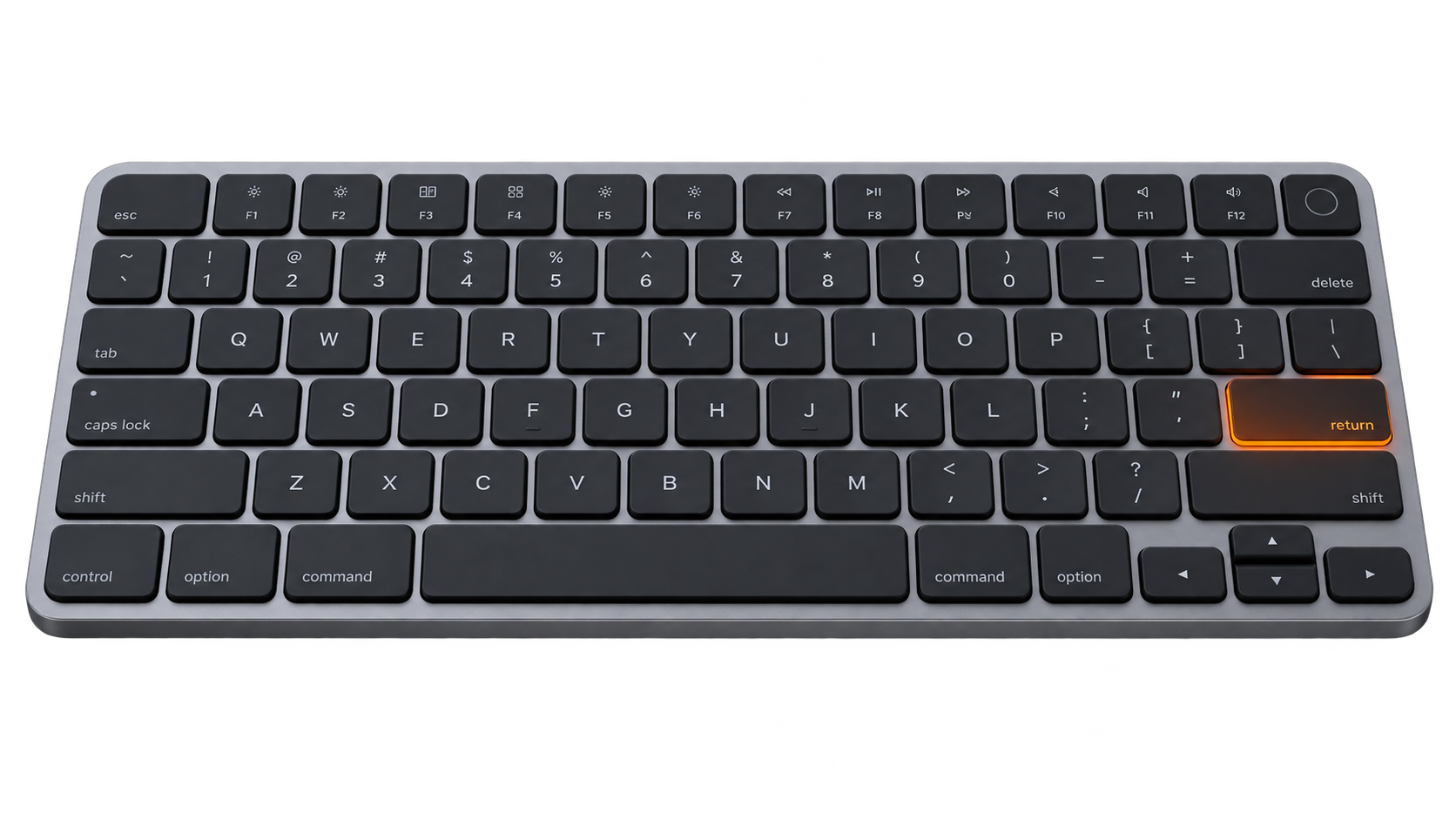
Low-profile keyboard with the Return key highlighted
Press Return / Enter to open the selected file or folder.

Everything you need for file work

Two panes, fast search, built-in terminals, Quick Look, and safe file changes.

Two clear panes

Each pane has its own tabs, history, folder, view, and selection.

Fast keyboard controls

Open, preview, copy, move, rename, create folders, and move items to Trash with F3-F8.

Useful search results

Search names or file contents. Results open in a regular tab, where you can work with them.

Terminal in each pane

Each pane has its own zsh terminal. Change folders in either place and the other follows.

Works like a Mac app

Use Quick Look, Open With, native icons, drag files to other apps, and calculate folder sizes.

Safe and private

File jobs run in the background with clear progress. Deletes are confirmed, updates are signed, and there are no accounts or tracking.

Useful hotkeys

If an F-key changes brightness or sound, hold fn while you press it.

Move around

Tab
Switch active pane
↑ ↓ ← →
Move selection
Home / End
First / last item
Page Up / Page Down
One page up / down
Return / Enter
Open file or folder
Backspace
Parent folder
⌘ [ / ⌘ ]
Back / forward
Type
Filter current pane
Esc
Clear filter

Work with files

F3 or Space
Preview
F4
Open
F5
Copy to the other pane
F6
Move to the other pane
⇧ F6
Rename
F7
New folder
F8
Move to Trash
⌘ Return
Open
⌘ ⇧ C
Copy
⌘ ⇧ M
Move
⌘ R
Rename
⌘ Delete
Move to Trash

View and tools

⌥ F4
Show or hide terminal
⌃ `
Show or hide terminal
⌘ F
Find files
⌘ Return
Start search
Esc
Close search
⌘ 1 / ⌘ 2
List / grid view
⌘ ⇧ .
Show hidden files
⌘ ⇧ R
Refresh pane
⌘ ⌥ S
Show folder sizes
⌘ Y
Preview
⌘ /
Shortcut guide

Tabs

⌘ T
New tab in active pane
⌘ W
Close active tab
⌘ ⇧ N
New folder
⌘ U
Switch panes
⌘ B
Add or remove the active folder from favorites
⌘ ⇧ B
Open and filter favorite folders

Download and use it

Download the signed app, or build it yourself from the source.

Small native Mac app No account or trackingView source on GitHub
build - zsh⌘

❯ make test

All tests passed

❯ make app

Build/Chad Commander.app

READY_